This post contains affiliate links. As an Amazon Associate, I earn from qualifying purchases—at no extra cost to you. I only share products I genuinely use or believe in.
AuroraLink wireless CarPlay adapter review — this 2-in-1 dongle claims to convert your car’s wired CarPlay and Android Auto into a wireless connection with zero delay. Plug it in, pair once, and never plug your phone in again. Here’s what ACTUALLY matters before you buy.
Check AuroraLink Wireless CarPlay Adapter price on Amazon
Watch the Full Review
Quick Summary
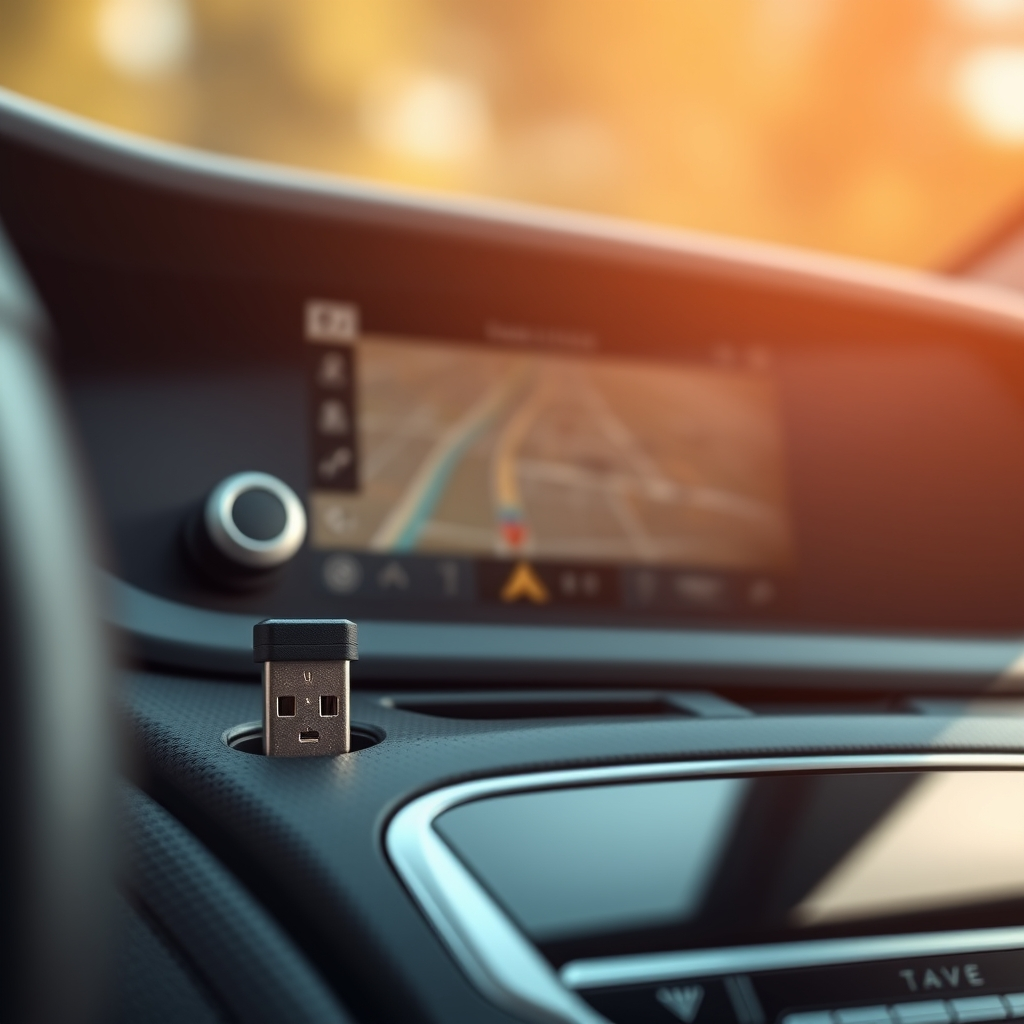
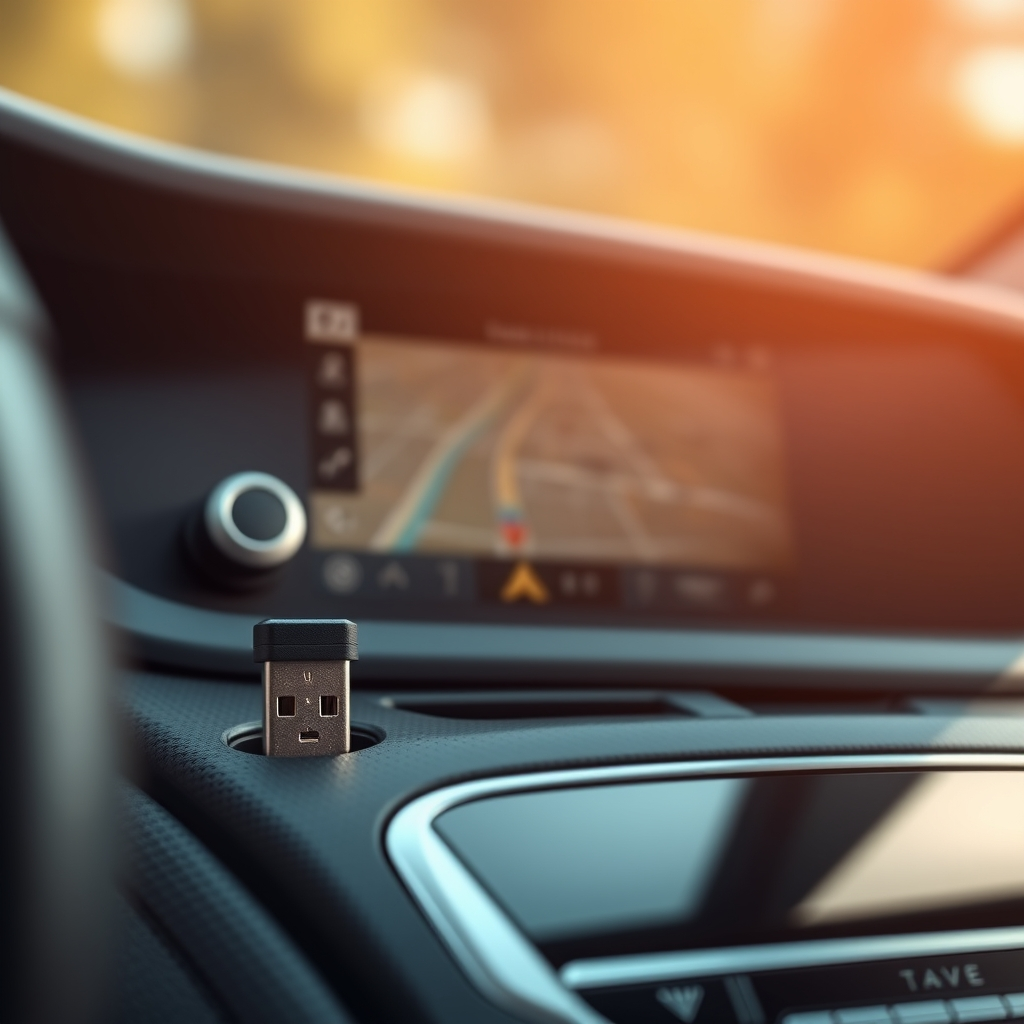
The AuroraLink Wireless CarPlay & Android Auto Adapter is a small USB dongle that plugs into your car’s USB port and converts wired CarPlay or Android Auto into a wireless connection. It uses an A7 chip with Bluetooth and WiFi to maintain the link between your phone and your car’s infotainment system. It works with iPhone 6 and later running iOS 10+ and Android phones running Android 11+. Setup is plug-and-play — pair once, and it auto-reconnects every time you start the car.
What ACTUALLY Matters: Does It Actually Work Wirelessly?
Yes. This is the first and most important question, because plenty of wireless CarPlay adapters on Amazon are unreliable. The AuroraLink connects consistently and auto-reconnects when you start your car. I tested it over multiple drives and the connection held — navigation, music, phone calls, and Siri all worked through the car’s screen without my phone being plugged in.
The initial setup takes about 30 seconds. Plug the dongle into your car’s USB port, enable Bluetooth and WiFi on your phone, pair them, and you’re done. After that first pairing, it reconnects automatically every time. Phone stays in your pocket, bag, or cupholder — cable-free.
What ACTUALLY Matters: Latency and Stability
This is where wireless CarPlay adapters live or die. The AuroraLink claims “no delay” which is a stretch — there’s a slight latency compared to wired, particularly noticeable when scrolling through maps or switching apps. But it’s minimal. Music plays without stutter, navigation voice prompts come through on time, and phone calls are clear and responsive.
Stability was solid in my testing. No random disconnects mid-drive, no audio dropouts during calls, no need to re-pair. The A7 chip and WiFi connection maintain a reliable link even in areas with heavy wireless interference. That said, the adapter does take a few extra seconds to connect when you first start the car compared to just plugging a cable in — roughly 5-10 seconds.
What ACTUALLY Matters: Compatibility
The 2-in-1 design means it works with both CarPlay (iOS) and Android Auto — you can switch between phones without swapping adapters. That’s useful for households where one person has an iPhone and the other has Android.
Important caveat from the manufacturer: it’s not compatible with BMW, Tesla, Skoda, or motorcycles. It only works with cars that already have wired CarPlay or Android Auto built in (generally 2016 and newer). If your car doesn’t have wired CarPlay, this adapter won’t add it — it only converts wired to wireless.
All original car controls work — touchscreen, steering wheel buttons, voice control, and OEM knobs. The adapter doesn’t strip any functionality, it just removes the cable requirement.
If you’re also looking at car tech, the manifest has another CarPlay adapter review coming — the Szwdo wireless earbuds are also worth checking out for a great car audio companion. You can browse the full AuroraLink storefront on Amazon for their other models and colors.
Build Quality and Design
The dongle is small — about the size of a USB flash drive. It tucks into your car’s USB port and stays out of the way. No dangling cables, no bulk on the dash. Build quality is solid plastic with enough ventilation to manage heat during extended use. It gets slightly warm during operation, which is normal for any device maintaining a constant WiFi connection.
Pros and Cons
Pros:
- Genuine wireless CarPlay and Android Auto — phone stays in your pocket
- 2-in-1 works with both iOS and Android
- Auto-reconnects after initial setup — no daily pairing
- All original car controls maintained (touchscreen, wheel, voice, knobs)
- Compact dongle design — plugs in and disappears
- A7 chip provides stable, low-latency connection
- 12-month warranty with responsive customer support
Cons:
- Not compatible with BMW, Tesla, Skoda, or motorcycles
- Slight latency increase versus wired connection — noticeable but not disruptive
- Takes 5-10 seconds to connect at car start versus instant wired connection
- Only works if your car already has wired CarPlay/Android Auto
- Does not support YouTube or Netflix video playback (safety restriction)
Who Is This For?
Anyone with a car that has wired CarPlay or Android Auto who’s tired of plugging their phone in every time they drive. If you commute daily and want navigation, music, and calls without ever touching a cable, this solves that problem cleanly. Also great for families with mixed iOS and Android phones since the 2-in-1 handles both. Not for BMW, Tesla, or Skoda owners — check compatibility before buying.
The Verdict
This AuroraLink wireless CarPlay adapter review confirms that it delivers on its core promise — reliable wireless CarPlay and Android Auto from a compact dongle. The connection is stable, the auto-reconnect works, and all your car’s controls function normally. What ACTUALLY matters is that this adapter eliminates the daily cable ritual without introducing frustrating disconnects or lag. For the price, it’s one of the cleaner wireless CarPlay solutions available.
Get the AuroraLink Wireless CarPlay Adapter on Amazon
Frequently Asked Questions
Does the AuroraLink adapter work with Android Auto?
Yes. The AuroraLink is a 2-in-1 adapter that supports both wireless CarPlay for iPhones and wireless Android Auto for Android phones running Android 11 or later.
Will the AuroraLink work in my car?
It works with most cars from 2016 and newer that have factory wired CarPlay or Android Auto. It is not compatible with BMW, Tesla, Skoda, or motorcycles. If your car doesn’t have wired CarPlay, this adapter cannot add it.
Is there any lag with wireless CarPlay?
There is a slight latency increase compared to wired CarPlay, most noticeable when scrolling maps or switching apps. For music, calls, and navigation voice prompts, the lag is minimal and not disruptive during normal driving.
Do I need to pair the AuroraLink every time I drive?
No. After the initial one-time setup, the AuroraLink auto-reconnects every time you start your car. Your phone can stay in your pocket or bag.
Disclosure: As an Amazon Associate and Amazon Influencer, I earn from qualifying purchases. Some links in this post are affiliate links, meaning I may earn a small commission at no extra cost to you. All opinions are my own.